A teacher who runs a short online course on research skills keeps hearing the same thing from students: "But it was the first result on Google, so it must be good." Ranking first and being trustworthy are different things, and in a world where anyone can publish a polished page in an afternoon, learners need a way to ask better questions. One practical approach is to let them look at the numbers that SEO professionals use to describe a website's standing. This article shows how an instructor or a training coordinator could build a 45 minute classroom exercise around a free multi-metric site checker, a free web tool that puts several of those numbers behind one input box.
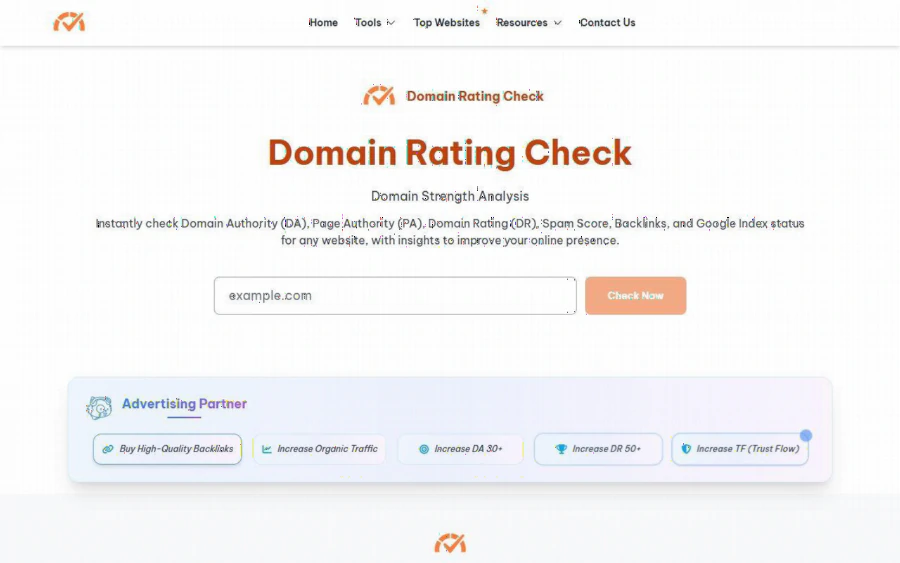
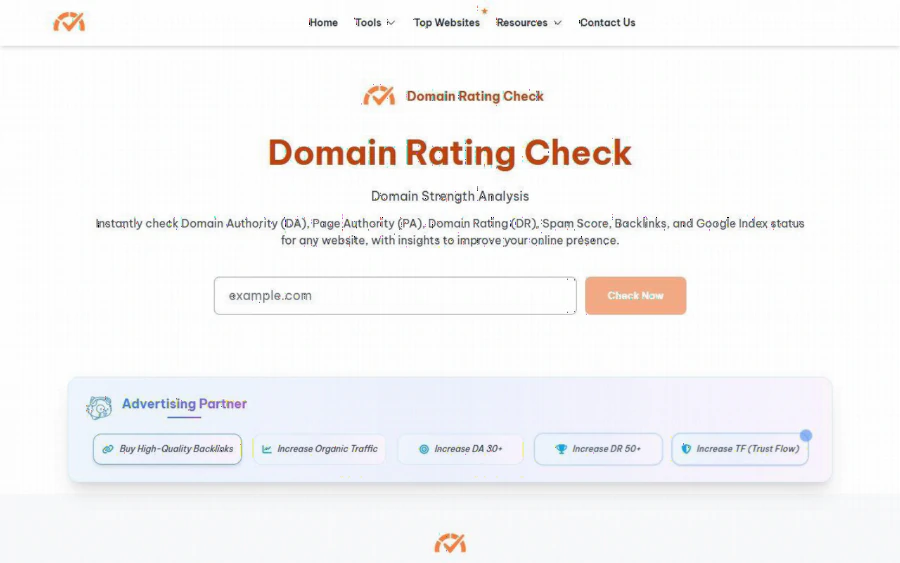
Homepage of Domain Rating Check with the domain input box, the Check Now button and the description of DA, PA, DR, Spam Score, backlinks and Google index status
The classroom problem: opinions without evidence
Picture a teacher at a community college who runs an evening module on digital literacy. Students are adult learners: a few are changing careers, a few run small side businesses, and several are preparing a project that cites online sources. The teacher wants them to compare three websites on the same subject, for example three sites offering study tips, and defend a choice with something firmer than "it looks professional."
Looks are cheap. Backlinks, meaning links from other sites, are harder to fake at scale, which is why the SEO industry built scores around them. The homepage of Domain Rating Check lists what it reports for any site: Domain Authority (DA), Page Authority (PA), Domain Rating (DR), Spam Score, backlinks and Google index status. For a teacher, the useful part is that these are several independent views of the same domain, shown side by side, so students can see where the views agree and where they do not.
What the tool shows, in plain words
According to the homepage and the DR page, the tool covers these families of metrics:
- DA and PA. Moz style scores for a whole domain and for a single page. The site says DA runs on a 100 point scale and describes 50 or more as strong for most industries.
- DR. An Ahrefs style score from 0 to 100. The DR page gives bands: 0 to 30 weak, 31 to 50 average, 51 to 70 strong, 71 to 100 very strong.
- Backlink data. Backlinks, referring domains, organic traffic, traffic value and organic keywords on the DR page.
- Majestic style signals. Trust Flow (TF) and Citation Flow (CF), plus Majestic links.
The how to use section on the homepage has five steps: enter a domain, complete the Cloudflare verification, click Check Now, wait a few seconds, then read the results. That is short enough for a class where half the room is using a phone.
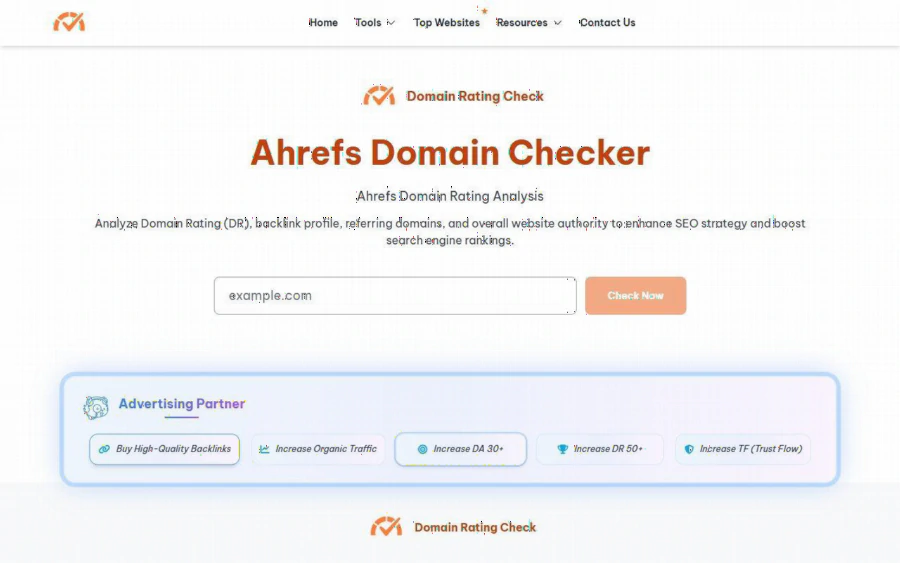
The Ahrefs Domain Checker page on Domain Rating Check with the DR analysis description, the domain input box and the Check Now button
A 45 minute exercise you can copy
This is our suggestion, not a lesson plan from the site.
1. Minutes 0 to 10: set the question. Give each pair of students three domains on the same topic. Ask them to predict, before using any tool, which site is most trustworthy and why. Write the predictions on the board.
2. Minutes 10 to 25: collect numbers. Each pair runs all three domains and records DR, DA, TF and CF in a simple table. Tell them to note any cell where two scores disagree sharply.
3. Minutes 25 to 35: read the DR page together. Ask students to find what the page itself says DR does not measure. The DR page states that DR reflects backlinks only, not content quality, on page SEO or traffic, and that Google does not use DR as a ranking factor. Students tend to be surprised that a tool is this open about its own limits.
4. Minutes 35 to 45: compare with predictions. Did the numbers confirm the gut feeling? Where they did not, students open the site and look for the reason: a young domain, a niche audience, a thin blog that happens to be well linked.
The learning outcome is not "high DR means good." It is that evidence has layers, and that a number is a prompt to investigate, not a verdict. The tool helps because the five steps are quick and the metrics sit on one site rather than three separate logins.
Where it helps most
Speed. One box, one click, a wait of a few seconds, according to the how to use steps. In a classroom, that matters more than a polished report.
Teachable honesty. The DR page explains that DR is a logarithmic scale, so going from 20 to 30 is easier than going from 70 to 80. That is a good moment to talk about why scales are not always linear.
A wide set of metrics. The homepage also lists tools for Moz Links, Moz Rank, Majestic referring domains and others. Advanced students can explore these for a deeper comparison.
A sample list. The Top Websites table, dated November 2026 on the page, shows large domains such as wikipedia.org, youtube.com and facebook.com with traffic and Trust Flow figures. Wikipedia is listed with 3.9 billion organic traffic and a Trust Flow of 96. It makes a handy reference point so students see what "very large" looks like before they check a small tutoring site.
Limits you should tell your students about
An honest review should name the weak points, and a teacher should name them out loud.
- Estimates, not official data. The DR page describes results as "Ahrefs style" and DR as estimated. If a student needs the exact Ahrefs or Moz figure for a formal report, they should use the original vendor tool.
- Pages disagree with themselves. In our reading, the homepage describes DA as 0 to 100 while the DA definition says 1 to 100, and the Spam Score guidance (keep it below 30 percent) sits next to a Moz Spam entry on a 0 to 17 scale. Treat this as a teaching moment about checking definitions, but do not build a grading rubric on those thresholds.
- Unclear terms. The pages we read do not state usage limits, data refresh frequency or whether the tool is always free. Check before you plan a class of thirty people hitting it at once.
- Advertising. The pages carry an "Advertising Partner" block with offers such as buying backlinks or raising DA and DR, and a sponsored shopping listing. Students should be told these are ads, separate from the results, and that paying for links is its own topic with its own risks.
- Only backlink style signals. None of the numbers say whether a page is accurate, current or well taught. A site with a modest DR can be an excellent teaching resource.
How it compares with the usual names
The tool sits in the same space as Ahrefs Website Authority Checker, Moz Link Explorer and Majestic. Those vendors collect their own link data, run their own crawlers and usually offer deeper reports, often behind an account or a subscription. Domain Rating Check works as an overview layer: it gathers Ahrefs style, Moz style and Majestic style figures in one place and shows them quickly. For a classroom, a library workshop or a first screen of a source list, that is a good fit. For an agency auditing a client's full link profile, the original tools are still the better choice.
Who should use it, and who should not
It suits instructors, training coordinators, librarians running information literacy sessions and students who want a fast first look at a domain. It also suits small site owners who are curious about their own numbers. It does not suit anyone who needs audited, contract grade data, or who wants a tool that explains why a score moved over time.
How to get started
Pick three domains on a topic your students know. Run them yourself first so you can see the layout and check that the Cloudflare step does not slow things down on your network. Then try the dedicated DR checker page, share the five steps, and run the exercise above. Keep the closing discussion on one sentence: a score tells you where to look, and your own reading tells you what to believe.